How to Create a TourIVers Account & Set Up Your Profile
Learn how to create a TourIVers account on the app or web, set up your profile and wallet, add your game account, and get ready for tournaments, scrims, and matches.
 TourIVers Desk5 min read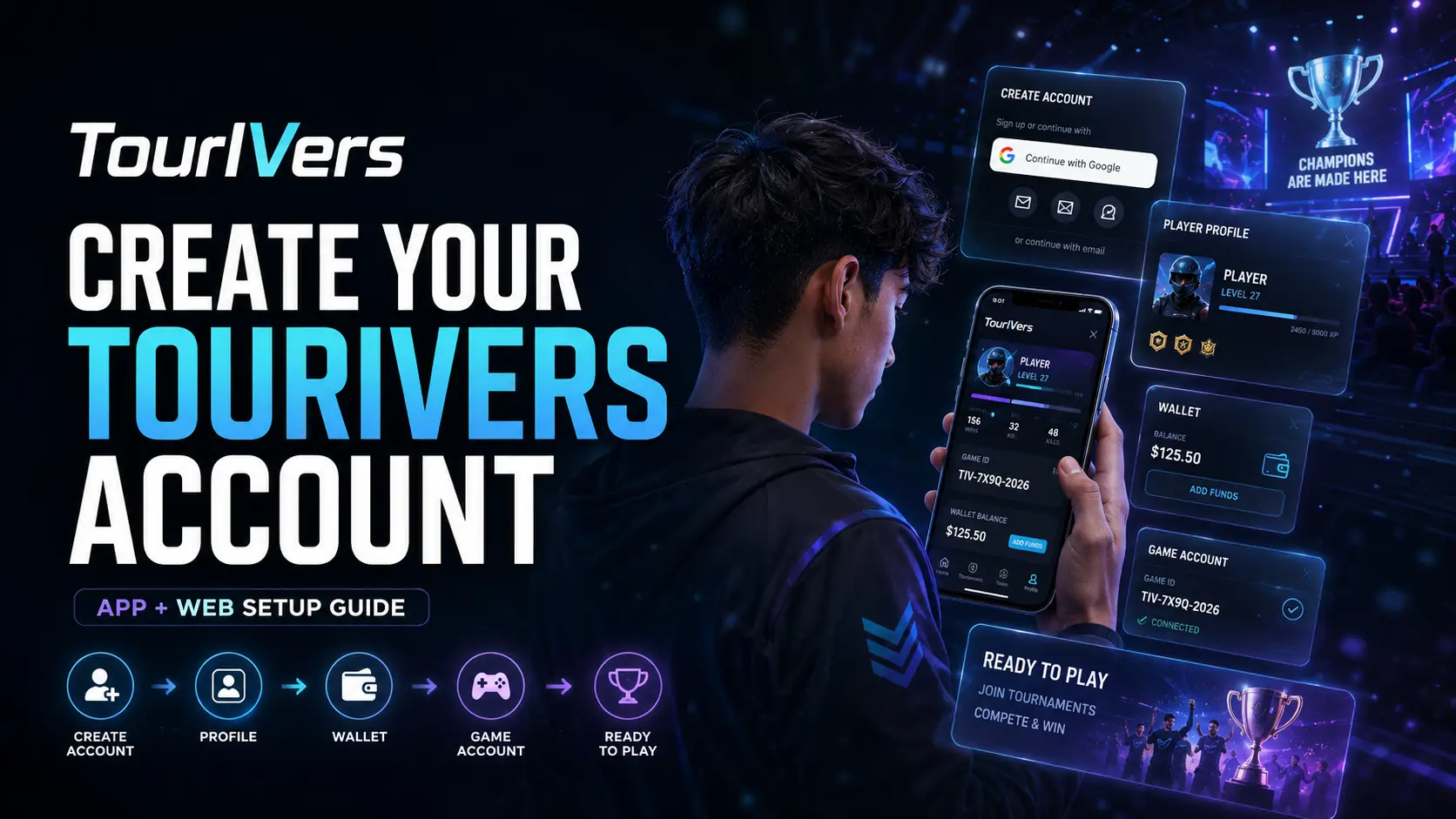
Getting started with TourIVers is simple. You can create your account through the TourIVers mobile app or the TourIVers Web Arena, then complete your player profile, set up your wallet, and connect your game accounts.
Once your account is ready, you can use TourIVers to discover and participate in supported tournaments, scrims, matches, teams, and other gaming activities.
This guide walks you through the complete setup process, from your first login to becoming match-ready.
Before you start
To get started, you’ll need:
- A Google account
- The TourIVers mobile app or a web browser
- Your correct gaming account information
- Your game ID, UID, or other required player details
- A TourIVers referral code if you have received one
You can access TourIVers through the official website at tourivers.com or use the TourIVers Web Arena at web.tourivers.com. TourIVers apps are also available through the supported mobile app stores.
1. Open TourIVers
Start by opening TourIVers on your preferred device.
On the web
Open the TourIVers Web Arena at web.tourivers.com.
On mobile
Open the TourIVers app on your Android or iOS device.
You’ll be taken to the login screen. If you already have a TourIVers account, you can sign in using your existing credentials. If you’re new to TourIVers, you can create an account using Google.
2. Select “Continue with Google”
On the login screen, select Continue with Google. You’ll be redirected to Google’s account selection screen. Choose the Google account you want to associate with TourIVers.
If you already have a TourIVers account
If your Google account is already associated with a TourIVers account, you’ll be signed in to that existing account.
If you’re a new user
If the Google account isn’t associated with an existing TourIVers account, TourIVers will create a new account for you.
After authentication is completed, you’ll be redirected back to TourIVers and signed in. You have now created your TourIVers account.
3. Complete your player profile
After signing in for the first time, we recommend completing your player profile before joining competitive activities.
Go to Profile → Edit Profile and add the information you want to display on your TourIVers profile. Depending on the available fields, you can add:
- Profile picture
- Username
- Country
- Mobile number
- Bio
- Gaming-related information
- Other supported profile details
Why your profile matters
Your profile represents your identity on TourIVers. A complete and recognizable profile makes it easier for teammates, teams, and other players to identify you. If you’re planning to compete regularly, keep your profile information accurate and up to date.
4. Set up your TourIVers wallet
After completing your profile, you can set up your TourIVers wallet.
Go to Profile → Wallet. When accessing the wallet for the first time, you may be asked to provide a referral code.
- If you have a referral code, enter it in the provided field and continue.
- If you don’t have a referral code, you can simply select Continue without entering one.
After completing the process, your wallet access will be enabled. Depending on the features available to your account and region, the wallet can be used for supported activities such as depositing, withdrawing, and transferring funds, managing your available balance, and other supported wallet transactions.
Always review transaction information carefully before confirming a financial transaction.
5. Add your game account
The next step is to connect your gaming information to your TourIVers profile. This is particularly important if you plan to participate in tournaments, scrims, or matches.
Go to Profile → Game Accounts, select the game you want to add, and provide the required information. Depending on the game, this may include:
- Game ID
- Player ID or UID
- In-game name
- Other game-specific information
Enter the information exactly as it appears in your game.
Important: verify your game information before saving
Take extra care when adding your game account.
Once game information has been added, it cannot be deleted before 7 days. Because of this, submitting incorrect information can cause unnecessary problems when participating in competitive activities.
Before saving your game information, verify:
- The correct game is selected.
- Your game ID or UID is correct.
- Your in-game name is correct.
- The account belongs to you.
- All other required information is accurate.
If you’re unsure about your game ID or UID, open the relevant game and verify the information directly before submitting it to TourIVers. Do not enter an ID from memory if you can verify it first.
6. Your account is ready for competitive gaming
Once you’ve completed your profile, set up your wallet, and added your game information, your basic player setup is complete. You can now explore the competitive activities available on TourIVers.
As a player, you can use supported TourIVers features to:
- Join teams
- Play matches with your team
- Participate in tournaments
- Participate in scrims
- Purchase supported tournaments or competitive activities
- Manage your player profile
- Manage connected game accounts
- Use supported wallet features
- Connect with other players and gaming communities
The exact features available to you may depend on the game, activity, account status, and other platform requirements.
7. Keep your profile updated
Your initial setup isn’t necessarily the end. As your gaming profile develops, return to Profile → Edit Profile and keep your information current. Consider maintaining:
- A recognizable profile picture
- A consistent username
- An accurate bio
- Relevant gaming information
- Up-to-date profile details
A well-maintained profile gives teammates and other players a clearer idea of who you are and can make it easier to recognize you across the TourIVers community.
Start playing on TourIVers
Creating an account is only the first step. For the best experience, complete your player profile, set up your wallet, and carefully connect your game account. Once everything is ready, you can start exploring teams, tournaments, scrims, matches, and other competitive gaming activities available on TourIVers.
Create your TourIVers account, build your player profile, connect your game, and get ready to compete. Welcome to TourIVers.
Frequently asked questions
How do I create a TourIVers account?
Open the TourIVers mobile app or visit web.tourivers.com. On the login screen, select Continue with Google and choose your Google account. If the account isn't already associated with TourIVers, a new TourIVers account will be created.
Can I use TourIVers from a web browser?
Yes. You can access the TourIVers Web Arena through web.tourivers.com.
Can I use the TourIVers mobile app?
Yes. TourIVers provides mobile apps for supported Android and iOS devices.
Do I need a referral code to create an account?
No. A referral code isn't required to create your TourIVers account. You may be asked for one when accessing your wallet for the first time. If you don't have a referral code, select Continue.
How do I access my TourIVers wallet?
After signing in, go to Profile → Wallet. Follow the on-screen instructions to enable wallet access.
How do I add my game account?
Go to Profile → Game Accounts, select your game, and enter the required game information. Verify everything carefully before submitting it.
Can I change or delete my game information?
Game information cannot be deleted before the applicable 7-day period after it has been added. Make sure your information is correct before saving it.
Why is my game information important?
Your game information helps associate your TourIVers player profile with your gaming account for supported competitive activities. Incorrect information may cause problems when participating in matches or tournaments.
Can I join a team after creating my account?
Yes. Once your player profile and required game information are set up, you can explore available teams and join supported teams according to their requirements.
Can I participate in tournaments and scrims?
Yes. TourIVers provides tournament and scrim features for supported games and activities. Your ability to participate may depend on the requirements of the specific activity.